The Ultimate Batch Image Resizer & Processor for Professionals
Professional desktop software for lightning-fast batch image resizing and processing. 100% local processing, zero cloud uploads.
See Imger In Action
A clean, intuitive interface designed for professional batch image processing
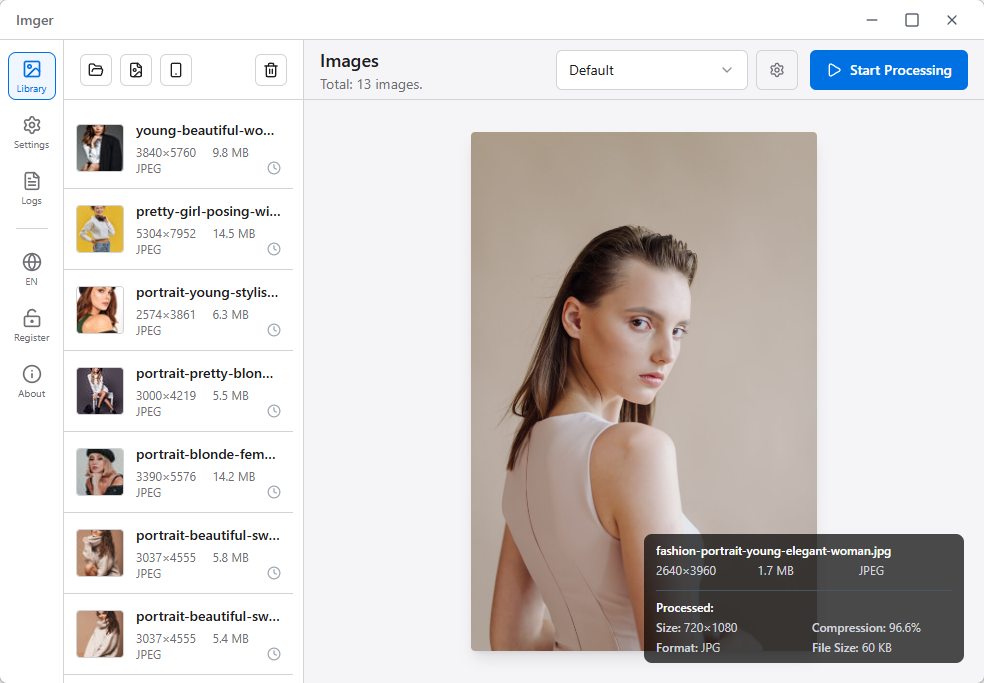
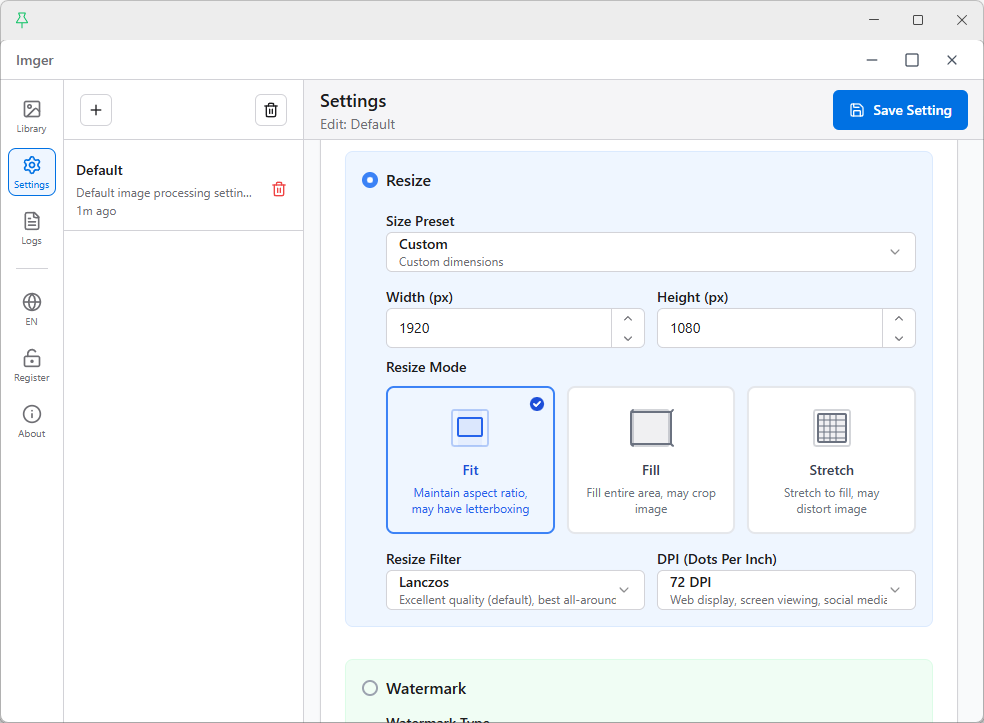
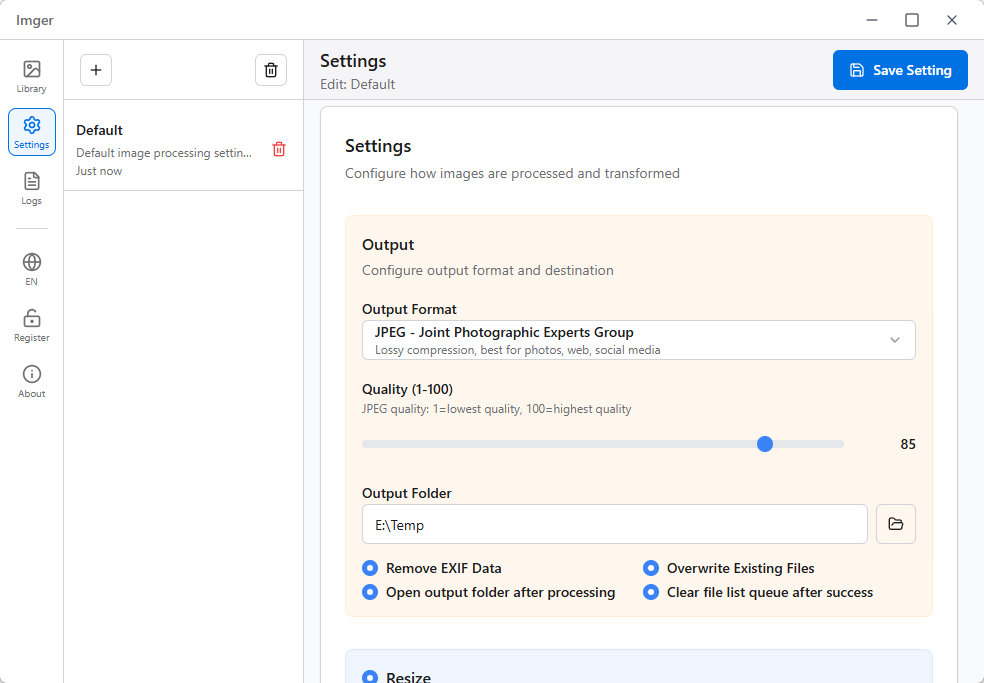
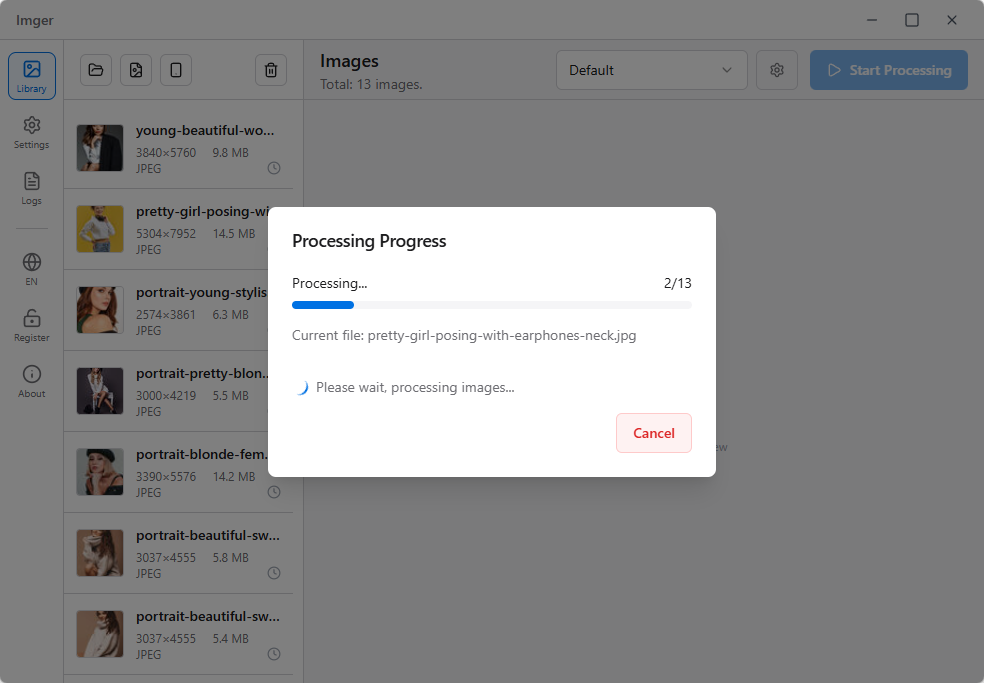
Click screenshot to view full size
Why Choose Imger for
Batch Photo Editing?
Traditional image tools are slow, complicated, and risky. Imger changes the game with professional-grade automation that saves you hours every week.
Manual Processing Hell
"I used to spend 4 hours every week resizing product photos. Now it takes 4 minutes with Imger." - Sarah, E-commerce Manager
Quality Destruction
"Other tools made my photos look terrible. Imger maintains perfect quality even after batch processing." - Mike, Professional Photographer
Privacy Nightmares
"I can't risk client photos being uploaded to some server. Imger processes everything locally - perfect!" - Lisa, Creative Director
Powerful Features: Resize, Convert, and Watermark in Bulk
Imger combines lightning-fast processing, professional quality, and bulletproof privacy in one beautiful, easy-to-use package.
Why 10,000+ Professionals Choose Imger
Experience the revolutionary power of Rust-driven performance combined with ImageMagick's professional precision. Process your entire image workflow in record time.
Lightning-Fast Processing
Revolutionary Rust-powered engine batch resizes 10,000+ images in just 5 minutes. What used to take hours now takes minutes.
Universal Format Support
Convert HEIC to JPG, PNG to WebP, RAW to JPEG, etc. Imger handles everything automatically.
Smart Configuration System
E-commerce presets for product photos, photography workflows for professionals, office templates for documents. One-click switching revolutionizes your productivity.
Real-Time Preview
What you see is what you get. Powerful real-time preview shows effects instantly. Adjust parameters with confidence, eliminate guesswork.
Cross-Platform Support
Perfect support for Windows and macOS systems, providing consistent smooth experience.